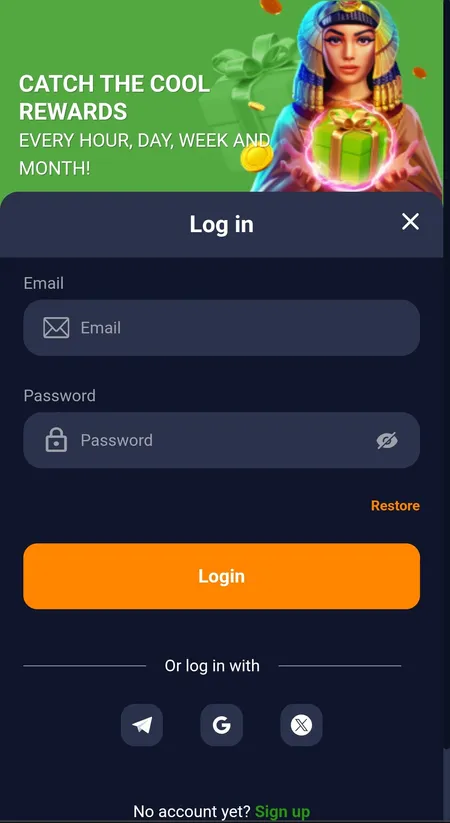
Where to find the login button
On the desktop site the Login button sits in the top-right corner of every page. On mobile the header collapses into a compact bar — the same button is still visible at the top right. Inside the Android app, the sign-in screen appears automatically when the app opens with no active session. There is no hidden menu; if you do not see the button, try a hard refresh or clear the browser cache.
How to sign in — step by step
Bass Win login uses email and password as the primary method. The flow is:
- Click or tap Login — the modal opens instantly.
- Enter the email address you registered with.
- Enter your password (case-sensitive; check Caps Lock).
- Optionally tick Remember me to stay signed in on your personal device.
- Click the Login button inside the modal.
If you registered via a social account — Google, Telegram, or X — use the matching icon instead of the email/password fields. The platform links your social identity to your Bass Win account automatically.
Browser vs app: the login form works identically in both. If the app shows a connection error but the browser works, check whether you have the latest APK version installed; an outdated build occasionally loses its API endpoint. The reverse — browser blocked, app working — usually points to a network or DNS issue on your side.